Phone Stolen With Crypto Apps on It? What UK Users Should Do in the First Hour
A London case reported this week shows how fast thieves move: crypto was leaving a stolen iPhone's wallet within an hour. Here's the order to lock things down in, what your bank must refund and what it won't, and the phone settings that stop it happening in the first place.
By Sam Whitfield, Editor · Published · 10 min read
If your phone is stolen and it has crypto apps on it, use another device straight away to mark the phone as lost, change your email and Apple or Google password, then lock every exchange account and empty any wallet whose recovery phrase you still have. Don't chase the thief. The first hour matters more than anything you do afterwards.
That isn't theory. A case reported by CoinDesk on 31 October shows how quickly it goes. A former crypto executive's iPhone was snatched in Hackney, east London, shortly after 1am on 8 August. By 1:53am, he says, crypto was already being converted and moved out of his MetaMask wallet. Here's what to do, in the order that matters, and what you can and can't get back.
How do thieves get into crypto apps on a stolen phone?
Usually with your passcode. Thieves watch you type it, then take the phone while it's unlocked or open it themselves. A six-digit code opens the phone, the saved passwords, the email inbox where reset links land and, on many phones, the crypto apps too. Face ID only protects apps that are set to ask for it.
The Hackney case is a textbook example. According to CoinDesk's report, two men spent hours with the victim in a bar, and he believes they watched him enter his passcode several times. Outside, he handed over his unlocked iPhone 14 Pro Max so one of them could type in a phone number. A third man grabbed it and ran.
What followed, again by his account:
- His MetaMask wallet was drained, and his Phantom and Bybit accounts were accessed.
- By 3:22am, six card payments had gone through, including more than $2,000 at a Costcutter.
- Someone opened leveraged crypto positions on his eToro account with nearly $44,000 of exposure, which produced losses and costs rather than a withdrawal.
- He estimates the total loss at about $14,000, including roughly $9,500 in crypto, and says it took him around seven hours to get his accounts back.
Photos of identity documents were on the phone, too. That's the part people forget: a stolen phone isn't one loss, it's a set of keys to everything else.
London phone theft is falling, for what it's worth. City Hall figures published on 8 October show 71,867 phone theft and robbery offences in 2025, down from 81,439 in 2024, and 39,793 from January to August 2026 against 49,136 a year earlier. That's still more than 150 a day.
 Photo: Richard Kelly, CC BY 4.0, via Wikimedia Commons
What should you do in the first hour after your phone is stolen?
Get to another device, a friend's phone or a laptop, and work through accounts in order of how much damage they can do. Mark the phone as lost first, then secure your email and Apple or Google account, then crypto and banking. Report it to the police once the money is locked down.
Here's the order we'd use. It's built around one idea: lock the accounts that can reset other accounts before anything else.
| Order | What to do | Where | Why it comes here |
|---|---|---|---|
| 1 | Mark the phone as lost | icloud.com/find (iPhone) or Google's Find Hub (Android) | Locks the screen and, on iPhone, suspends Apple Pay cards |
| 2 | Change your email password and sign out other sessions | Your email provider, from another device | Reset links for every other account land here |
| 3 | Change your Apple or Google account password | Apple Account or Google Account settings | Stops the thief changing recovery details or locking you out |
| 4 | Lock exchange accounts | Each exchange's security settings or support | Pauses sends and trades while you sort things out |
| 5 | Move funds out of self-custody wallets | A new wallet on a different device | A wallet app can't be frozen, so speed is the only defence |
| 6 | Freeze cards and call your bank | Banking app on another device, or the number on your card | Limits card spending and starts your refund claim |
| 7 | Ask your network to block the SIM | Your mobile network | Stops text-message codes reaching the thief |
| 8 | Report to the police and get a reference | 999 if it's happening now, otherwise 101 or online | Banks and insurers usually ask for one |
Apple's own guidance adds two things worth knowing. Keep the phone in Find My even after you erase it, because removing it turns off Activation Lock and makes it easier to resell. And erase it only as a last resort, since that can't be undone.
Can you freeze a crypto exchange account remotely?
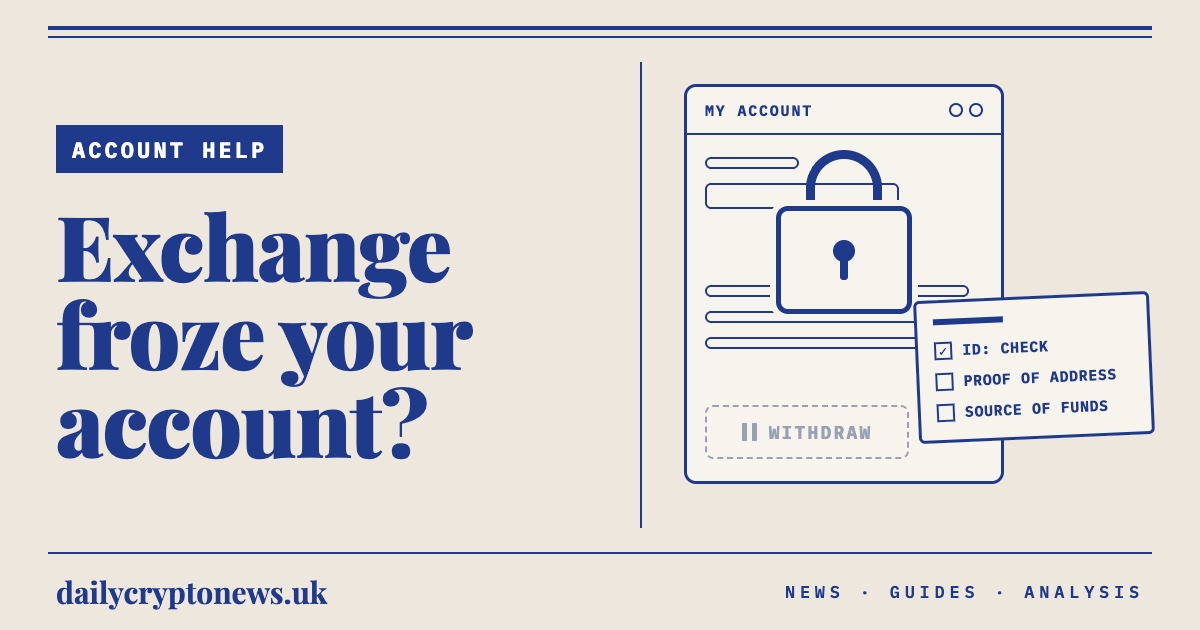
Usually, yes. Most big exchanges let you lock your account from the website or through support, which pauses withdrawals and trading. Coinbase, for example, lets you lock it yourself from its security page at accounts.coinbase.com/security, which also signs you out of every device. Self-custody wallets have no lock button at all.
On Coinbase, a locked account still lets you sign in, see your balance and contact support, but sending, receiving, trading and account changes stop. Unlocking needs your two-step verification method, and Coinbase pauses crypto sends for 24 hours after you unlock. Other exchanges word it differently, so find the "lock", "freeze" or "disable account" option in each one's help centre now, while you're calm, rather than at 2am on someone else's phone.
One warning: use the exchange's real website, typed in by hand. Searching "Coinbase support number" in a panic is how people end up on fake helplines. Our guide to crypto recovery scams covers the "we can get your coins back" calls that tend to follow.
What if the crypto was in MetaMask or another self-custody wallet?
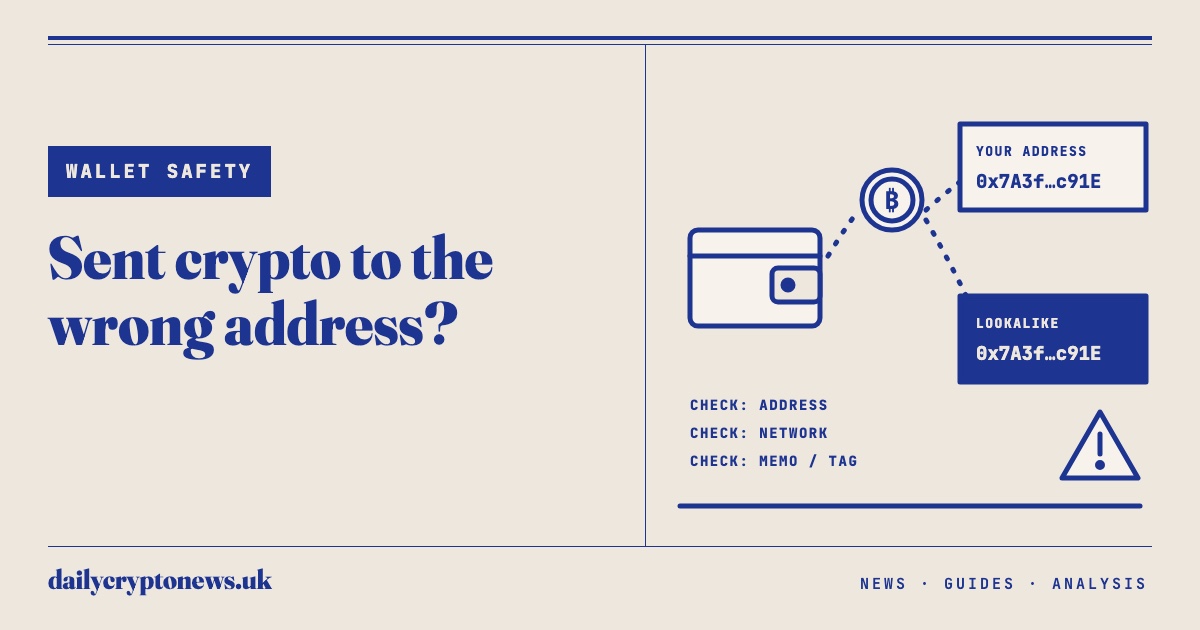
Then nobody can freeze it, so you have to move it. If you still have your recovery phrase, create a brand new wallet on a different device, write down its new phrase, restore the old wallet from its phrase on that same device and send everything to the new address. Then stop using the old phrase for good.
That's what MetaMask's support pages recommend for a compromised wallet. They add a detail that's easy to miss: if the old wallet was set up with a Google or Apple login, don't connect the same account to the new one, because it may be compromised too. This is a race, and the thief has a head start. You may only save what's left.
If you've lost the phrase as well as the phone, things get harder. Our lost seed phrase guide explains what's still possible.
A quick tangent, because it decides whether this section applies to you at all. If your recovery phrase is a photo in your camera roll or a note in your notes app, the thief has it too, and moving funds becomes a straight race you'll probably lose. Write it on paper or metal and keep it off the phone. Larger amounts arguably shouldn't sit in a phone wallet at all; our hot vs cold wallet guide explains the trade-off.
Will your bank or exchange refund money taken after a phone theft?
Card payments, often. Crypto, usually not. Under the Payment Services Regulations 2017, your bank can make you pay at most £35 of unauthorised payments from a lost or stolen card, and nothing after you report it, unless you acted fraudulently or with gross negligence. Crypto taken from a wallet or exchange has no equivalent safety net.
The "gross negligence" exception is where arguments start. If someone watched you type your passcode, a bank shouldn't treat that as careless on its own, but disputes do happen, and a police reference and a clear timeline help. Our guide to when UK banks must refund you covers the Financial Ombudsman route if a bank says no.
| Where the money was | Main protection | What to expect |
|---|---|---|
| Debit or credit card | Payment Services Regulations 2017: liability capped at £35 before you report it | Refund likely unless the bank proves fraud or gross negligence |
| Crypto on a UK-registered exchange | The exchange's own terms and goodwill; no FSCS cover for crypto | Case by case, and plenty of firms will point to their terms |
| Self-custody wallet (MetaMask, Phantom and so on) | None | Gone unless police trace and recover it |
| Trading losses run up by the thief | The platform's terms and its fraud team | Worth disputing, with your police reference |
There's a tax sting too. HMRC's Cryptoassets Manual says it does not treat theft as a disposal, because you still own the asset and have a right to recover it. So victims of theft can't claim a Capital Gains Tax loss on stolen crypto. It feels harsh, and it is. Our guide to crypto tax losses explains when losses do count.
Who do you report a stolen phone and stolen crypto to in the UK?
Report the theft to the police, using 999 if it's happening now and 101 or your force's online form otherwise. Report the account and crypto fraud to Report Fraud, which replaced Action Fraud for England, Wales and Northern Ireland from 4 December 2025. In Scotland, call Police Scotland on 101.
Report Fraud is online at reportfraud.police.uk, or on 0300 123 2040. Keep every reference number. Your bank, your phone insurer and the exchanges will all ask, and Apple also suggests having your phone's serial number ready for the police. You can find it on the box or in your Apple Account without the phone.
Be realistic about recovery, though. Getting your card money back is likely. Getting your crypto back depends on whether the thieves cashed out somewhere that will cooperate with police, and that's not something you control.
Which phone settings stop this happening in the first place?
Turn on your phone's theft protection, make your crypto apps ask for Face ID or a fingerprint rather than just the passcode, and keep recovery phrases off the phone entirely. Each takes a few minutes. Together they turn a stolen, unlocked phone from a bank vault into a mostly useless brick.
On iPhone: turn on Stolen Device Protection in Settings, then Face ID & Passcode. It needs iOS 17.3 or later. Away from familiar places like home or work, it demands Face ID or Touch ID, with no passcode fallback, before anyone can use saved passwords, open a locked app or erase the phone. Changing your Apple Account password triggers a one-hour security delay. You can also set it to apply "Always", which we'd do if you carry crypto apps on a night out.
On Android: look for theft protection under Settings, then Google, then All services, then Theft protection (menus vary by maker). Turn on Theft Detection Lock, which locks the screen if it senses a snatch-and-run, and Offline Device Lock. On supported phones, Identity Check adds a biometric check for sensitive actions outside trusted places.
In the apps themselves: switch on the biometric lock inside each exchange and wallet app, and use an authenticator app rather than text messages for two-step verification where the exchange allows it. If you can't avoid SMS codes, ask your network about a SIM PIN.
The Hackney victim's own fix was blunter: he now goes out with an older iPhone on a separate Apple account with few apps on it. Honestly, if you hold a meaningful amount of crypto, a "going-out phone" with no exchange apps isn't paranoid. It's cheaper than any of the above going wrong. And keep the bulk of your coins somewhere other than a phone app.
Frequently asked questions
Can someone steal my crypto if they steal my phone? Yes, if they can get past your passcode. With it, a thief can often open exchange and wallet apps, read reset emails and approve transfers. Turning on iPhone Stolen Device Protection or Android theft protection and adding biometric locks to crypto apps makes it much harder.
What should I do first if my phone with crypto on it is stolen? From another device, mark the phone as lost through Find My or Google's Find Hub, then change your email and Apple or Google passwords. After that, lock your exchange accounts and move funds out of any self-custody wallet whose recovery phrase you still have.
Can I get stolen crypto back in the UK? Sometimes, but rarely quickly. Exchanges may freeze funds that reach them, and police can recover crypto when they trace it to a cooperative platform. There's no FSCS cover for crypto and no legal refund scheme like the one for card payments, so treat recovery as uncertain.
Will my bank refund card payments made on my stolen phone? Usually. Under the Payment Services Regulations 2017, your liability for unauthorised payments from a lost or stolen card is capped at £35, and you're not liable for payments made after you report it, unless the bank shows you acted fraudulently or with gross negligence.
Can I claim a tax loss on crypto stolen with my phone? Not as a theft. HMRC says theft isn't a disposal, because you still own the asset and have a right to recover it, so you can't claim a Capital Gains Tax loss on stolen crypto. Get advice if your case also involved fraud or tokens that became worthless.
The practical next step
Spend ten minutes tonight while your phone is still in your hand: turn on Stolen Device Protection or Android theft protection, add biometric locks to every crypto app, find the "lock account" page for each exchange you use and bookmark it on your laptop. Then check that your recovery phrases aren't sitting in your photos. This is general information, not financial or legal advice, and crypto is high risk: you could lose everything you put in.
Sources
- CoinDesk: A stolen iPhone, $14,000 in losses and London's crypto theft problem (31 October 2026)
- Mayor of London: Met seizes hundreds of stolen phones as thefts hit four-year low (8 October 2026)
- Apple Support: About Stolen Device Protection for iPhone
- Apple Support: How to find your lost iPhone or iPad
- Google: Android theft protection, Identity Check and expanded features
- Coinbase Help: Lock or unlock your compromised account
- MetaMask Support: I've been hacked, scammed or seen unauthorised transactions
- legislation.gov.uk: Payment Services Regulations 2017, regulation 77 (payer liability)
- HMRC Cryptoassets Manual CRYPTO22450: being defrauded (theft is not a disposal)
- City of London Police: Report Fraud service goes live, replacing Action Fraud (December 2025)
Sam Whitfield
Sam Whitfield is the pen name of the editor of Daily Crypto News UK, who writes and reviews every article on the site.